How to order multi layered standees?
A big thank you to our Discord member <Lilly***k> for inspiring this post! Two days ago, a community member on Discord asked if it was possible to make multi-layer standees, and we said of course! Then Lilly***k said: 'I think adding a guide like this on how to order multi layered standees to the templates thread would be really helpful.'
We thought it was a fantastic idea, so here's this blog post!
If you'd like to order multi-slot standees, here's how you can do it:
1. Prepare your files: The standee artwork files and the base file. The number of standee files equals the number of standees, and the base = 1, after all, they all slot into one base, so you'll need to let us know how you'd like them arranged.

2. Decide the size of your standees: If the standees are different sizes, be sure to note this clearly in the file names, for example, Green-80mm, Blue-90mm.


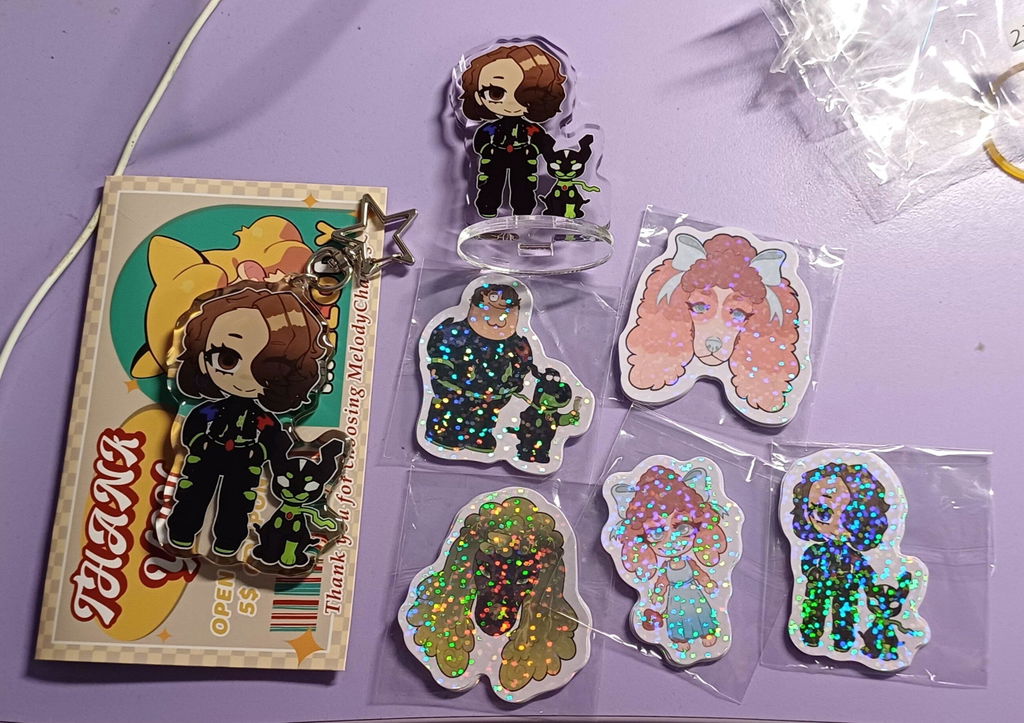
3. Open our website, select a standee product, and add them separately. For example, if you want to purchase 5 sets of multi-layer standees as shown in the image, please select 80mm Quantity 5 and 90mm Quantity 5. If you only need a default base, choose one from the three default base options. If you'd like a different shape or need printing on the base, please select Custom Shape/Printing. Then please upload the files for standee, base, and mockup picture.


4. This step is absolutely essential: In the Order Note, clearly state your requirements — for example, <Two standees inserted into the same base, please refer to the mockup image>.


5. If you're still worried we might not understand your request, feel free to reach out to us via live chat, email, or Discord. Let us know your order number, and we'll sync your requirements with our design team! We'll also include it in your proof for confirmation.
We've also noticed that many of you are interested in ordering this type of standee, so we'll be adding them to our lineup soon! Stay tuned for our new product updates!